

OmniCal Suite

OmniCal Suite is a set of calculators and worksheets for people who calibrate measuring instruments, that is, check that they read correctly. It builds the worksheet for a calibration and works out how sure each result is, showing every step of the math. It also works out the size of thread gages, the plugs and rings used to check screw threads.

It works on its own, and it is built into the Metrology Edition. Every calculator and worksheet is included.

At a Glance

The Tools in the Program

Datasheet Creator

Define a test once as a template: its groups, its test functions, the role each standard plays, and how that standard’s uncertainty propagates to the point. Add one row for each test point.

CMC Budget

Enter contributors at both ends of a range, each with its distribution, sensitivity and degrees of freedom.

Engineering Tools

A catalog of calculators, searchable by name, discipline or quantity, in six groups.

Threads

Calculators for seven thread families: Unified inch (UN and UNJ), metric ISO M, NPT and NPTF tapered pipe, BSPP parallel pipe, BSPT tapered pipe, Acme and Stub Acme, and buttress.

Asset Template Library

Stores model templates privately for each workspace.

The Tools

Every Tool in One Program.

Datasheet Creator

  • Define a test once as a template: its groups, its test functions, the role each standard plays, and how that standard’s uncertainty propagates to the point. Add one row for each test point.
  • Starting a calibration run takes a snapshot of the template and of the scope catalog. Assign the actual standards for each group, replace a standard at a single point when the job needs it, and record the readings.
  • Each point shows its limits, its expanded uncertainty and its TUR, with two verdicts: the as-found reading and the as-left reading are each compared with the same stored limits by the same rule.
A complete calibration run of a Fluke 87V handheld multimeter in Datasheet Creator. Sample data. Tap to open it full size.
Datasheet Creator in OmniCal Suite: a complete Fluke 87V performance verification run against a Fluke 5550A Calibrator, with as-found and as-left readings, limits, expanded uncertainty, TUR and a result for every point.Datasheet Creator in OmniCal Suite: a complete Fluke 87V performance verification run against a Fluke 5550A Calibrator, with as-found and as-left readings, limits, expanded uncertainty, TUR and a result for every point.
A complete calibration run of a Fluke 87V handheld multimeter in Datasheet Creator.
  • Inspect Calculation explains the selected point: the source, the scope band, the units, the sensitivity, the root sum of squares and the expanded uncertainty.
  • Record temperature, humidity, absolute pressure and the environmental standard. A scope band’s temperature rule is evaluated from the recorded temperature.
  • A procedure title, revision and link or citation can be attached to the template. Each run keeps the reference it started with.
  • Finishing a run freezes it. A completed run keeps its template, scope, readings and calculated evidence.

Characterization

  • Fits slope and intercept for load cells and pressure transducers, and fits the Callendar-Van Dusen equation for industrial platinum resistance thermometers.
  • The results are unweighted candidate fits and residuals. They are not a conformity decision and not an ITS-90 SPRT calibration.
CMC Budget

A CMC budget for DC voltage from 1 V to 10 V, with its contributors. Sample data. Tap to open it full size.
CMC Budget in OmniCal Suite for DC voltage from 1 V to 10 V: its contributors with their distributions, and the expanded uncertainty at both ends of the range.CMC Budget in OmniCal Suite for DC voltage from 1 V to 10 V: its contributors with their distributions, and the expanded uncertainty at both ends of the range.
A CMC budget for DC voltage from 1 V to 10 V, with its contributors.
  • Enter contributors at both ends of a range, each with its distribution, sensitivity and degrees of freedom.
  • The budget shows expanded uncertainty, effective degrees of freedom and each contributor’s share of the variance at both endpoints, then fits a gain and an offset between them.
  • Choose a fixed coverage factor of k = 2, or a Student-t policy taken from the effective degrees of freedom.
  • A saved budget can be sent to Datasheet Creator as a draft band that carries a snapshot of its source.

Engineering Tools

  • A catalog of calculators, searchable by name, discipline or quantity, in six groups.
  • Temperature and environment: a temperature converter for platinum resistance thermometers, ITS-90 SPRTs and thermocouples, dew point and absolute humidity, and air buoyancy correction to CIPM-2007.
  • Measurement and uncertainty: single-point expanded uncertainty with TUR and the acceptance window, decision risk (the chance of a false accept or a false reject), and a CMC budget.
  • Signal and conversion: a unit converter, 4 to 20 mA and voltage loop scaling, and decibel conversions for RF power, power ratios and voltage ratios.
  • Force and pressure: torque from a torque arm and dead weights, bolt torque and tension, and pressure units and liquid columns.
  • Dimensional: plain plug and ring gage dimensions and tolerances, and surface roughness parameters Ra, Rq, Rz and Rt.
  • A value the program cannot prove shows as a dash marked Not Yet Verified, never as a number.

Threads

  • Calculators for seven thread families: Unified inch (UN and UNJ), metric ISO M, NPT and NPTF tapered pipe, BSPP parallel pipe, BSPT tapered pipe, Acme and Stub Acme, and buttress.
  • Measure a thread plug over three wires and get its pitch diameter in the 60° symmetrical, 29° Acme, 29° Stub Acme and 7°/45° buttress forms, with the contact and flank corrections shown. A 60° thread ring is measured by comparison with a certified plain ring.
A thread plug measured over three wires, its pitch diameter calculated. Sample data. Tap to open it full size.
Threads in OmniCal Suite: a 1/4-20 UNC GO thread plug measured over three wires at three positions, with its pitch diameter calculated.Threads in OmniCal Suite: a 1/4-20 UNC GO thread plug measured over three wires at three positions, with its pitch diameter calculated.
A thread plug measured over three wires, its pitch diameter calculated.
  • Enter the actual calibrated wire or ball diameter. Type a reading, paste one cell, or send it from a gage that types like a keyboard.
  • A captured reading must be unlocked with Edit before it can be replaced.
  • Saving a worksheet freezes its setup, its readings and its result. The tool lists its calculation method references on screen.

Asset Template Library

  • Stores model templates privately for each workspace.
  • An owner publishes a saved template or imports an exact revision, and reviews it before loading a working copy.
  • The package format, its hashing and its supported fields are documented with a schema.

Excel Exports

Excel exports contain literal values only, with no formulas to recalculate. A saved run’s export includes the reported values, the calculated values and a run record sheet.

Methods

How It Calculates.

These are the program’s own rules, as its methods reference states them. The same reference opens inside the program, and it ships as a file beside the program’s source.

A Standard’s Uncertainty

The standard is resolved against the run’s scope snapshot.

Uband=gain × |signal in band units| + adder

The expanded band uncertainty is divided by its coverage factor to give a standard uncertainty. If more than one band matches, the program asks for an explicit choice.

Propagation

ui=|ci| × uinput
  • A direct role uses the unit conversion scale.
  • A linear role uses the stated sensitivity.
  • A reciprocal role uses dG/dR = −1/R².

Combination

ucombined=√(uresolution² + Σ ui²)
Ureported=koutput × ucombined

Contributions are combined as independent.

Resolution

One display increment contributes resolution ÷ √12, the value in GUM F.2.2.1.

TUR

For symmetric limits, TUR is the tolerance half-width divided by the expanded uncertainty in the same unit.

Without a resolved budget, a positive tolerance and a positive expanded uncertainty, TUR shows as N/A.

Temperature

Inside a band’s reference temperature range nothing is added. Outside it, the allowance grows with the distance to the nearest edge. The program’s optional budget model treats it as an independent rectangular term, its half-width divided by √3. That model is not for a specification that gives another distribution, or for a band whose budget already includes temperature. The template’s author confirms the term is not already in the band’s budget.

Outside the operating range, or without a recorded temperature and an identified environmental standard, the point requires review.

CMC Budgets

Each contributor is |sensitivity| × input ÷ divisor.

InputDivisor
Standard uncertainty1
Expanded normal uncertaintyk
Rectangular half-width√3
Triangular half-width√6
U-shaped half-width√2
uc=√Σ ui²
νeff=(Σ ui²)² ÷ Σ(ui⁴ ÷ νi)

Expanded endpoints are rounded up to two significant figures before the line is fitted.

Units

Conversions are exact where the definition is exact, for example:

1 lb=453.59237 g
1 in=0.0254 m

A temperature difference changes scale only, so an offset never enters an uncertainty. A conversion the program does not know is refused.

Display and Precision

Each person chooses 1 to 6 significant digits, and decimal or scientific notation, for expanded uncertainty and for TUR. Inspect Calculation shows up to eight significant figures.

Stored values keep full precision. In an Excel export the reported uncertainty and TUR are rounded cells, and separate calculated columns keep the values to Excel’s numeric precision. Changing the format does not change a verdict.

How the uncertainty of one point of the multimeter run was calculated. Sample data. Tap to open it full size.
Inspect Calculation in OmniCal Suite on the 3.3 V DC point of the Fluke 87V run: the Fluke 5550A scope band and its source, the standard uncertainty, the root sum of squares, the expanded uncertainty and the TUR.Inspect Calculation in OmniCal Suite on the 3.3 V DC point of the Fluke 87V run: the Fluke 5550A scope band and its source, the standard uncertainty, the root sum of squares, the expanded uncertainty and the TUR.
How the uncertainty of one point of the multimeter run was calculated.
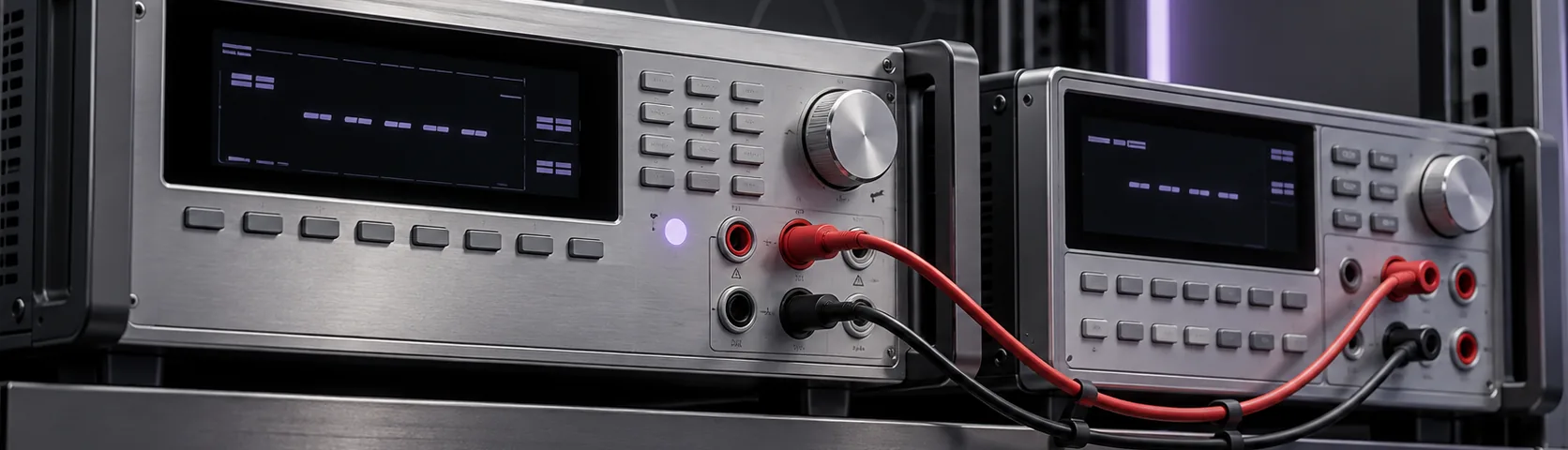
Two calibrators on a bench with their test leads connected.

Your Calls

Your Lab Makes the Calls.

  • Combination

    Contributors are combined as independent. Unresolved bands, the same asset in two roles and a reciprocal interval that spans zero are flagged for review, and a point under review shows N/A in place of its uncertainty and TUR.

  • CMC Line

    The CMC line is an endpoint fit, ready for the lab to validate across the range before it declares the capability.

  • Characterization

    Characterization gives the lab candidate fits to judge.

  • Threads

    Thread results are geometric, before force correction, and probe deformation, uncertainty and acceptance follow the job procedure.

  • Validation

    Your lab validates the program against its own reference cases as its acceptance step.

  • Calculations

    Every result is the program’s own math: no AI model, no internet lookup and no Excel recalculation take part.

Running It

Where It Runs and Who Holds the Data.

Standalone
Runs on its own, with its own SQLite database; you do not need Standard to use it.
On Your Computer
Runs on Windows with Python 3.10 or later, with no Excel installation and no third-party Python packages, and answers only on the computer it runs on. It comes with every tool and example data; the Engineering Tools and the thread family calculators also use Java 21 or later.
Access
In managed operation a workspace has an owner key. Each operator has a separate key that can be revoked on its own, and an owner key can be rotated.
Saving
Writes carry a revision check, so a stale browser window cannot overwrite a newer save.
Verification
The program ships with its tests and worked cases. The calculation source can be read in a text editor without starting the program.
Appearance
Each workspace member sets the colours of the work surface. Restoring the brand colours returns it to true black.

See It on Your Own Work.